Step 2 — Choose Your Variant
eShopping ships with 4 built-in variations, each tuned for a different industry. You pick one in the Theme Editor — and that single click swaps the entire palette, typography, trust-strip copy, newsletter text, footer colors, and most other "look & feel" defaults to match the demo. (The footer's brand description/tagline is not part of a variation — it's set by an AI HTML Generator | PapaThemes widget, provided by the PapaThemes app, during demo-data import.)
The 4 variations are:
| Variation ID | Name | Demo URL | Industry |
|---|---|---|---|
industrial |
Industrial | https://eshopping-industrial-demo.mybigcommerce.com | Tools, welding, safety gear, compressors |
autoparts |
AutoParts | https://eshopping-autoparts-demo.mybigcommerce.com | Automotive parts & accessories |
packaging |
Packaging | https://eshopping-packaging-demo.mybigcommerce.com | Boxes, bubble wrap, tape, mailer bags |
electronics |
Electronics | https://eshopping-electronics-demo.mybigcommerce.com | Laptops, monitors, headphones, cables |
How to pick a variation
- Storefront → My Themes → eShopping card → Customize.
- In Page Builder click Theme styles (top-left dropdown).
- The list shows Industrial, AutoParts, Packaging, Electronics plus a thumbnail preview of each.
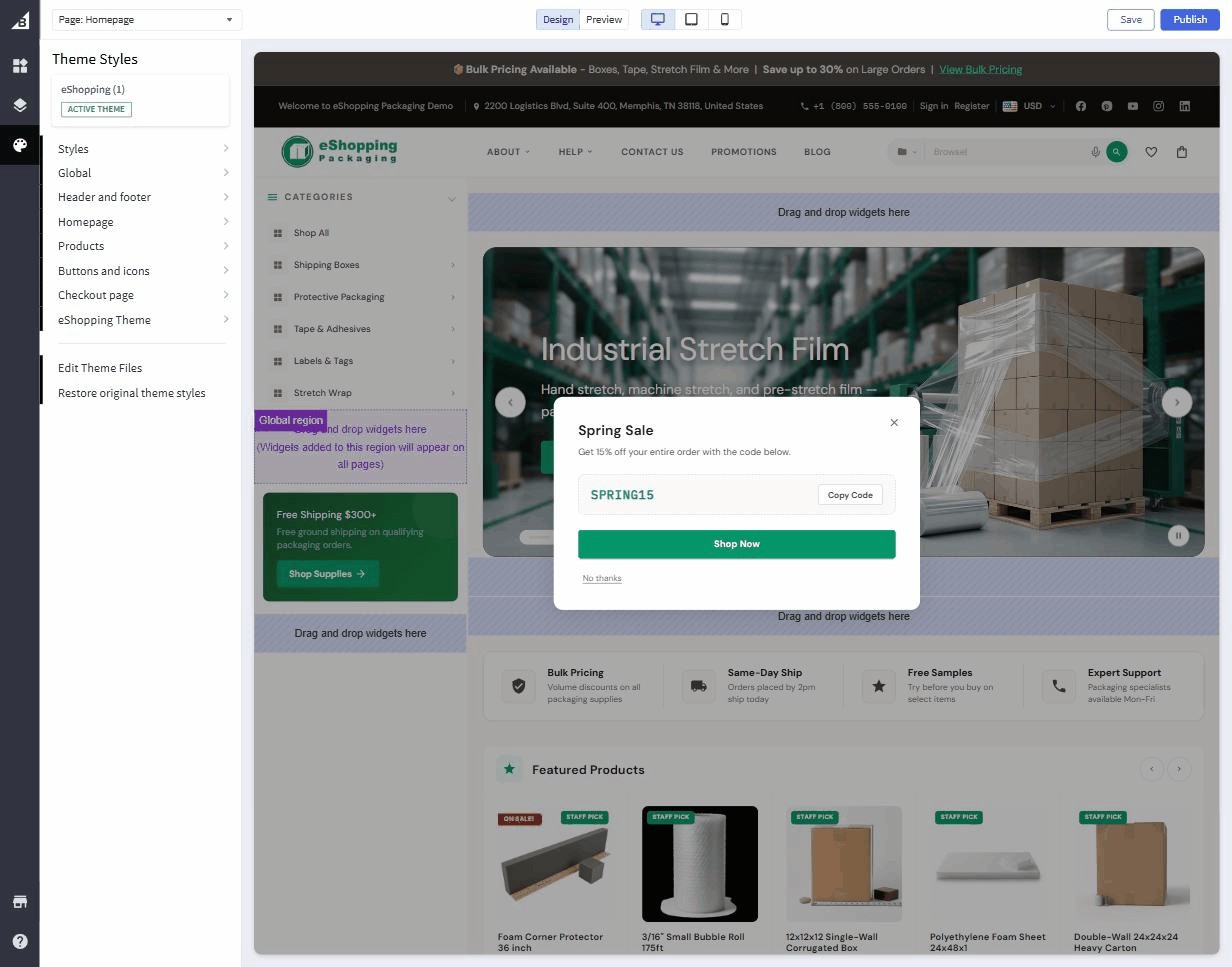
- Click the variation you want.
- Click Save (top-right) to publish.
The storefront updates immediately. No products / categories / customers / settings outside the theme are affected.
What each variation actually changes
When you pick a variation, its preset settings are applied on top of the theme defaults. Concretely:
| Setting family | Industrial | AutoParts | Electronics | Packaging |
|---|---|---|---|---|
| Body font | Source Sans 3 (default) | Inter | Inter | DM Sans |
| Headings font | Playfair Display (default) | Inter | Space Grotesk | DM Sans |
| Terra (primary) | #bf5b33 (terra orange) |
#d97706 (amber) |
#3b82f6 (electric blue) |
#059669 (emerald) |
| Bark scale | warm browns (default) | cool slate | zinc | warm stone |
| Cream | #faf8f4 (default) |
#f8fafc |
#fafafa |
#fafaf9 |
| Sale-badge bg | #bf5b33 |
#dc2626 |
#dc2626 |
#dc2626 |
| Trust-strip text | (default) | "OEM Quality Parts | …" | "Authorized Dealer | …" | "Bulk Pricing | …" |
| Newsletter text | (default) | Parts Updates & Deals | Stay Ahead in Tech | Subscribe for Packaging Deals |
| Promo text | (default) | Free Shipping $250+ | Free Shipping $99+ | Free Shipping $300+ |
| Cart goal (first tier) | (default) | $50 | $30 | $75 |
The Cart goal (first tier) value is the cart-subtotal dollar amount a shopper must reach to unlock the first reward on the cart progress bar (free shipping). Each variation also defines higher tiers (e.g. a discount, then a free gift) at larger dollar amounts.
You can override any of these in Theme Editor → eShopping after picking the variation — the variation is the starting point, not a lock.
Which variant should I pick?
Open all four demos in browser tabs, scroll through the home / category / product page in each, and pick the one closest to the look you want.
| Pick this | If you sell… |
|---|---|
| Industrial | MRO supplies, safety gear, tools, welding, machinery — anything where a "crafted, premium" warm-toned look fits |
| AutoParts | Automotive aftermarket, fitment-driven catalogs, motorsport — anything where a cool/technical look + amber accent fits |
| Electronics | Consumer electronics, computers, gaming, gadgets — anything where a sleek modern tech look fits |
| Packaging | Packaging, shipping supplies, eco / sustainable materials, B2B-leaning catalogs |
Not sure? Pick the closest structurally — every variation is fully customizable from there.
Optional — make a backup copy per variation
To A/B-test two variations side-by-side:
- My Themes → eShopping → ⋯ → Make a copy.
- Apply variation A to the original, variation B to the copy.
- Preview both via the Preview button in Page Builder.
- Activate the winner.